

Berliner Sparkasse
- 5 minutes setup. No complicated steps
- Multiple daily refreshes
- Developer friendly API docs
How to connect Berliner Sparkasse
Connecting your Berliner Sparkasse account to Zenith takes a few minutes, over a secure read-only connection.
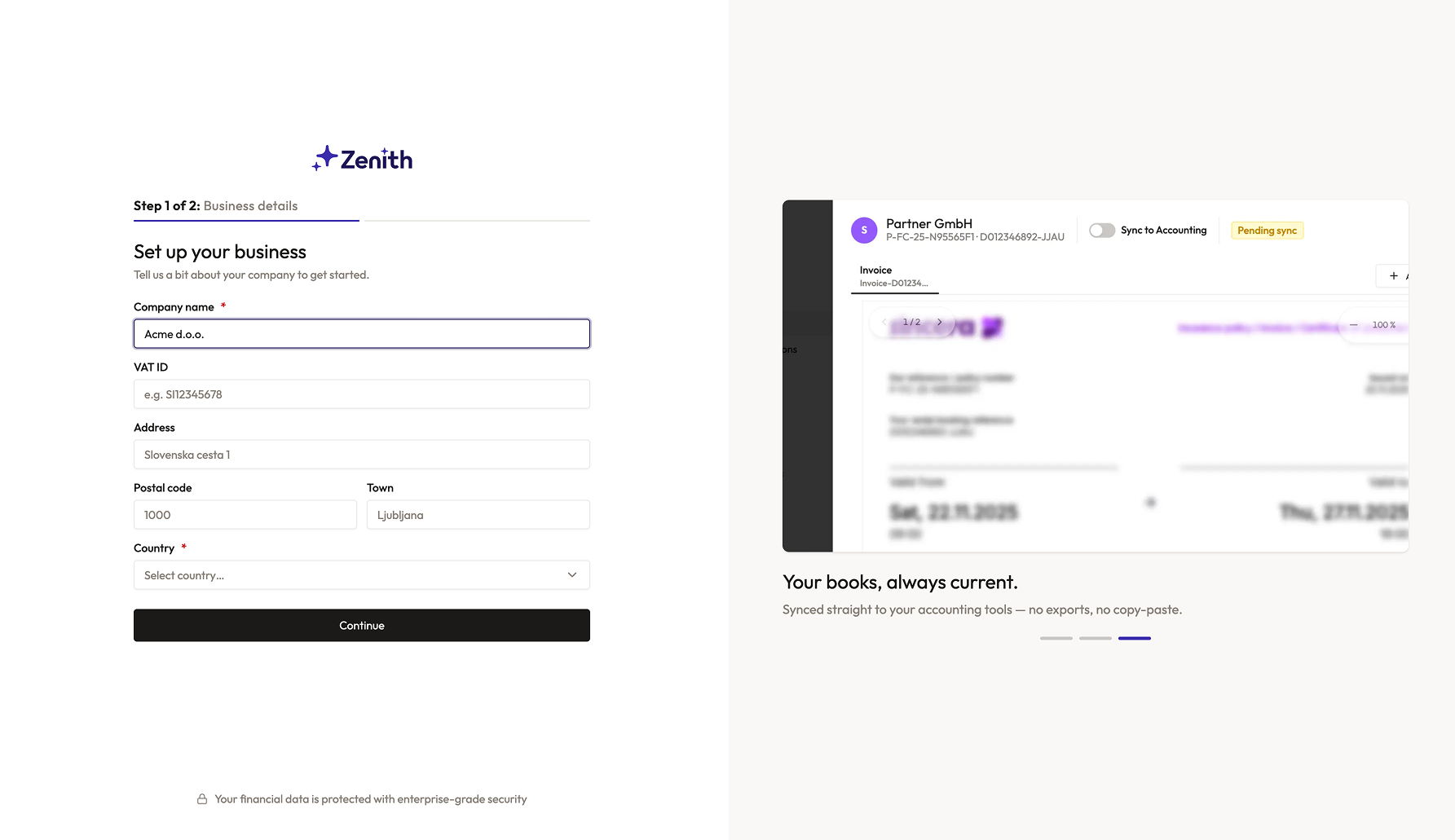
Create an account
Sign up for Zenith — it takes less than a minute.
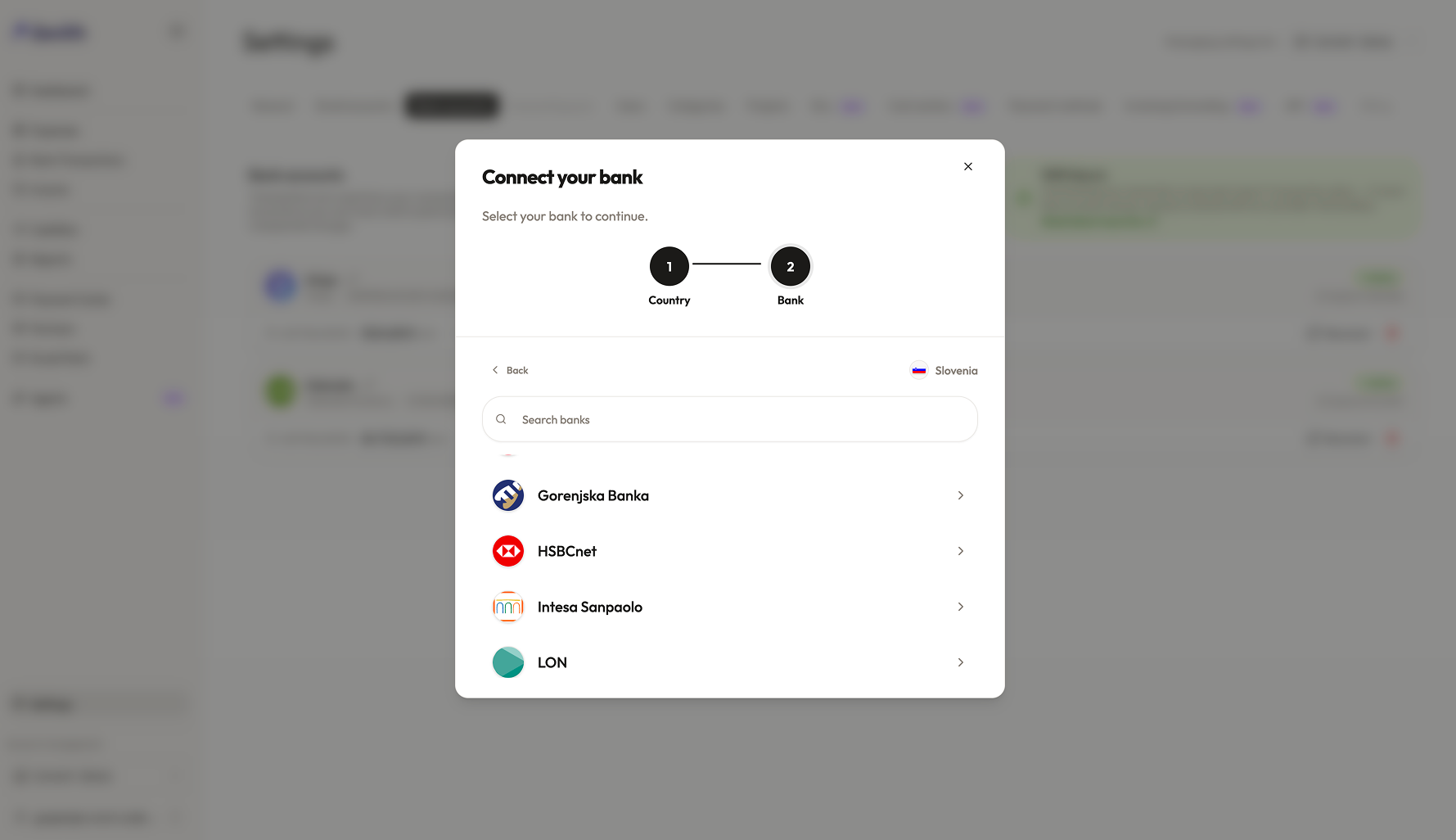
Find your bank
Choose your country, then Berliner Sparkasse.
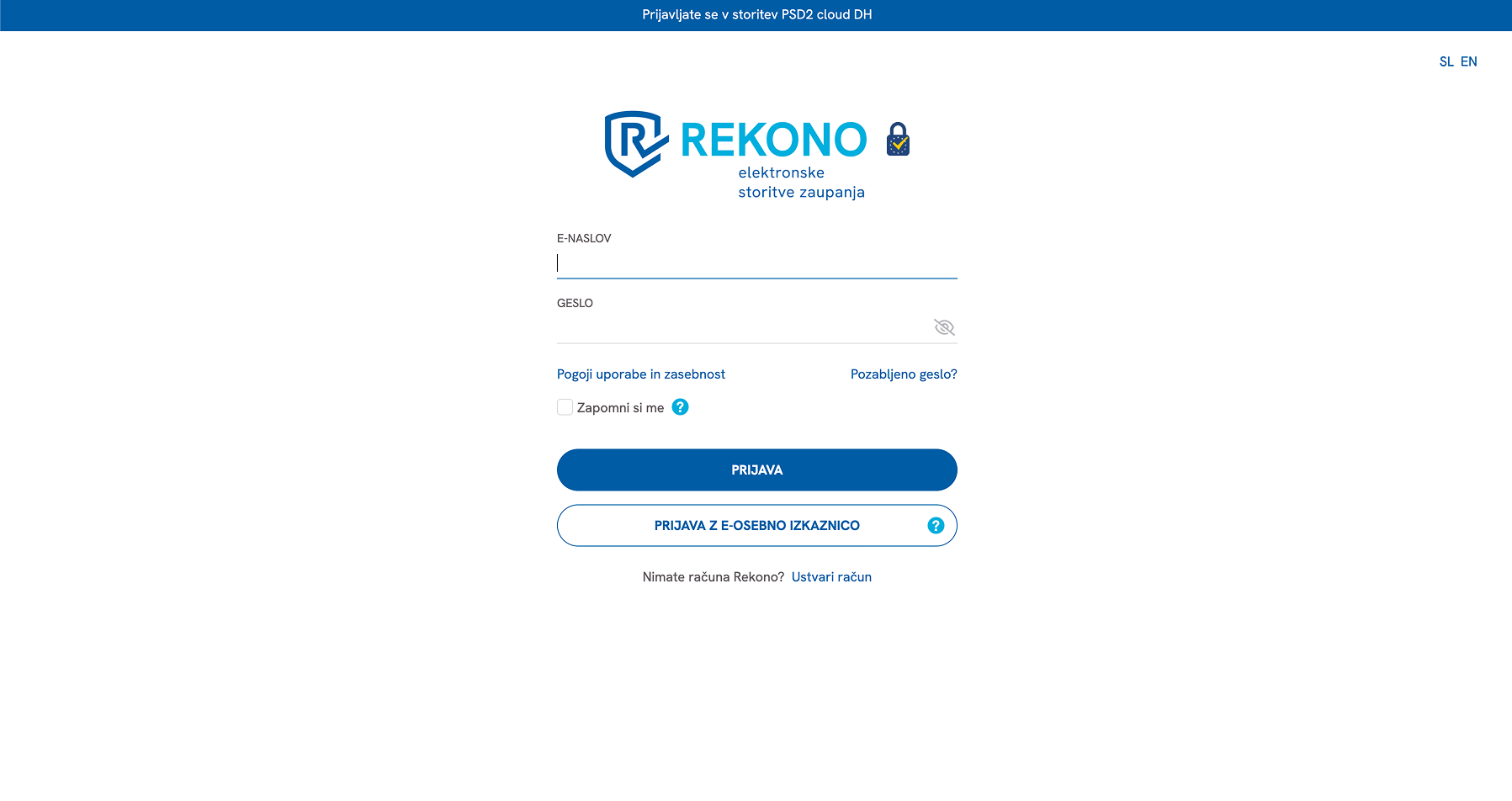
Connect your bank account
We send you to your bank's own login page, where you approve access.
- You log in with your online or mobile banking
- Follow the bank's prompts; access is read-only for transactions.
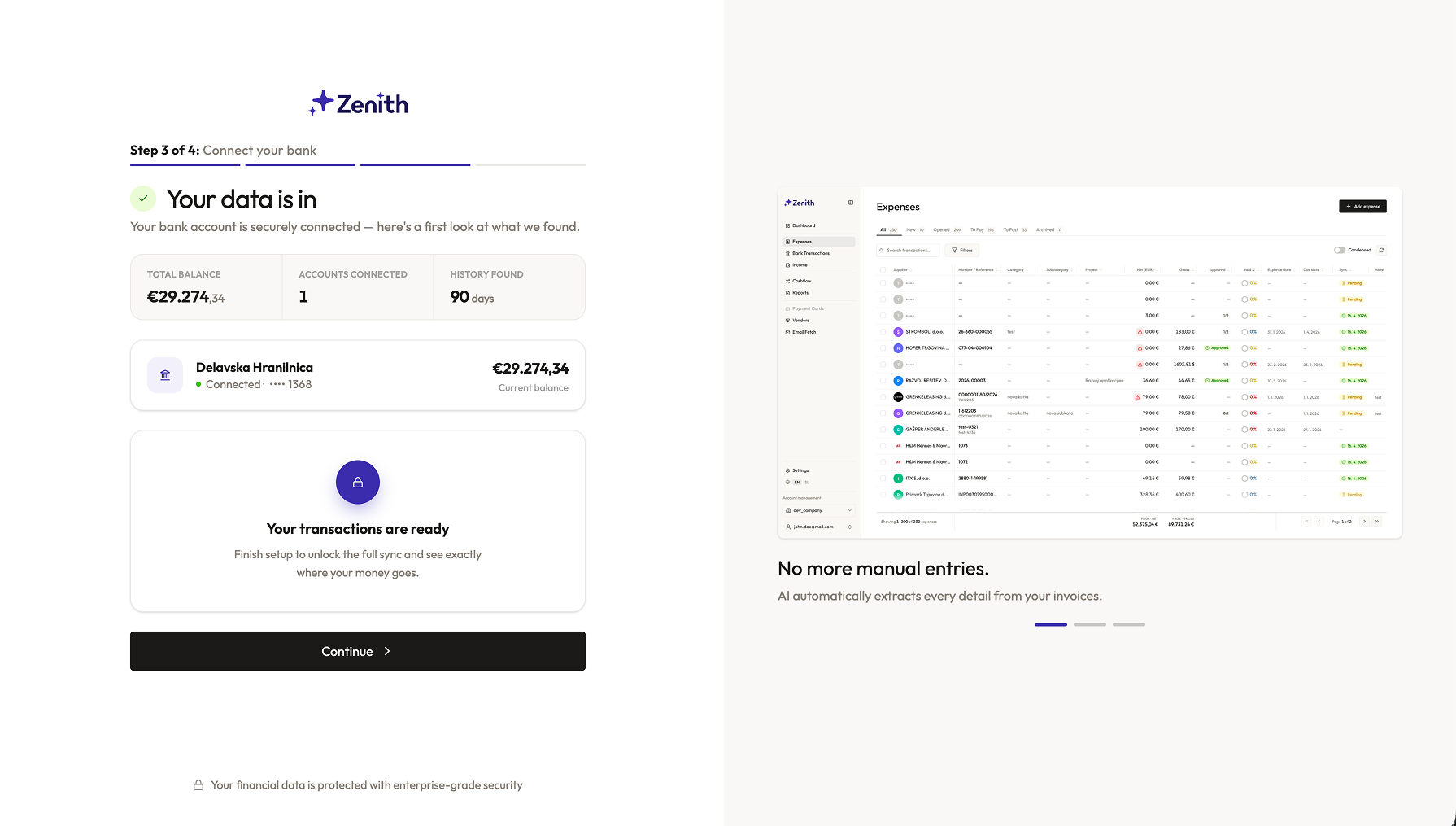
Back to Zenith
After login we bring you back automatically. Your balance shows as soon as the account is connected.
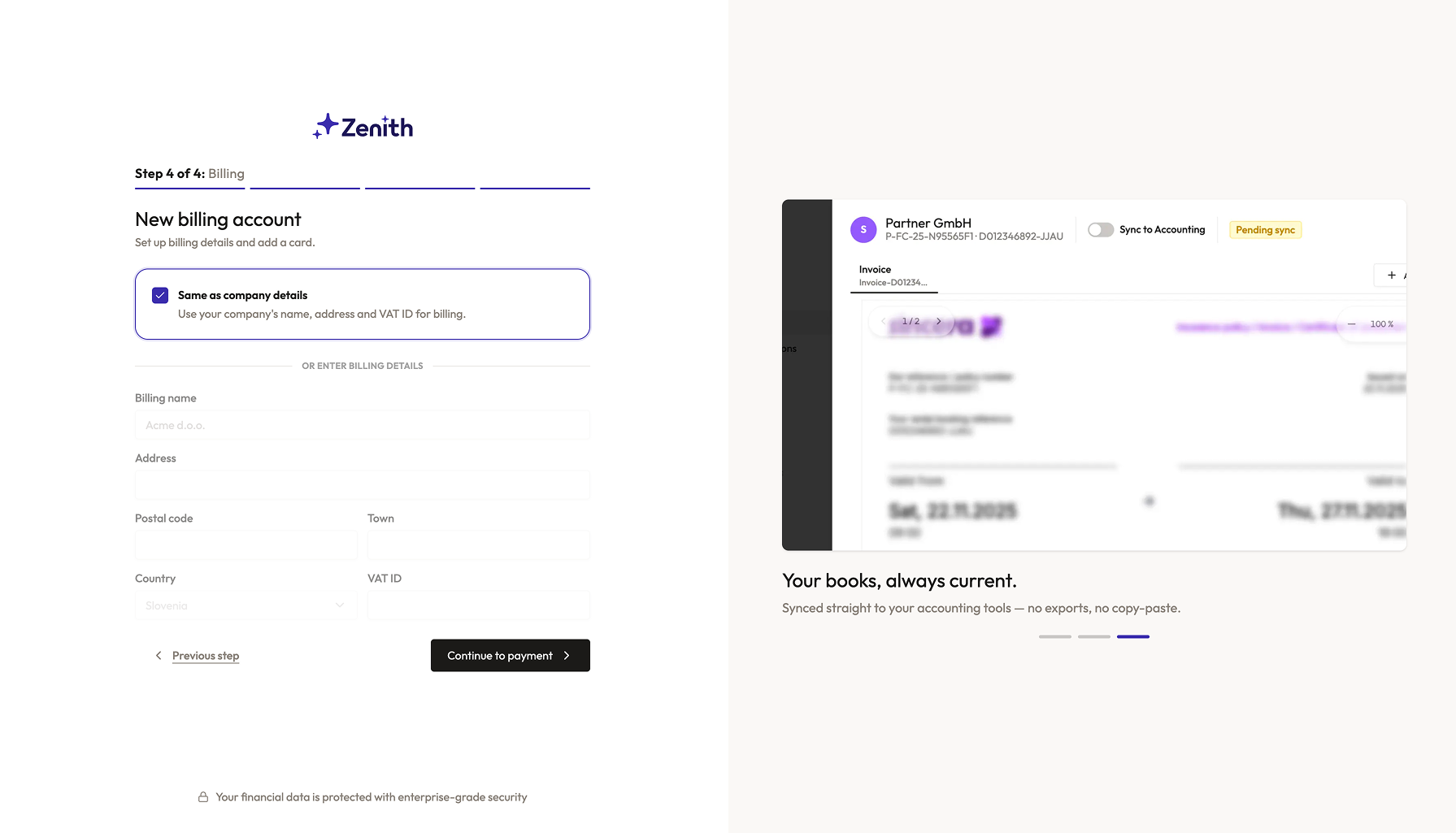
Set up payment
The connection costs just €5 per bank account per month.
Transactions start arriving
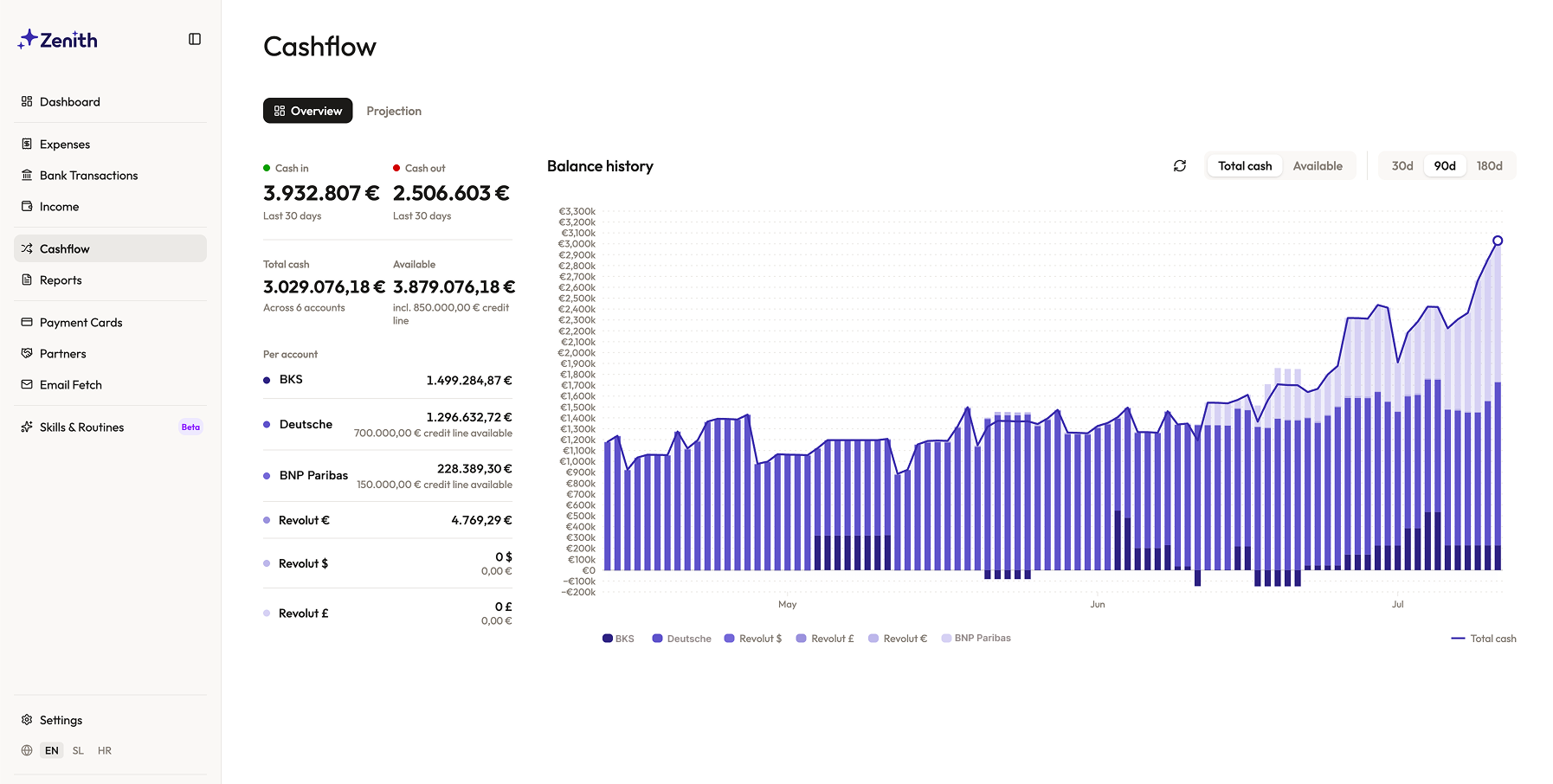
Within minutes your first transactions appear in Zenith.
- We refresh the data several times a day
- Most banks allow up to four refreshes a day
Choose where your data goes
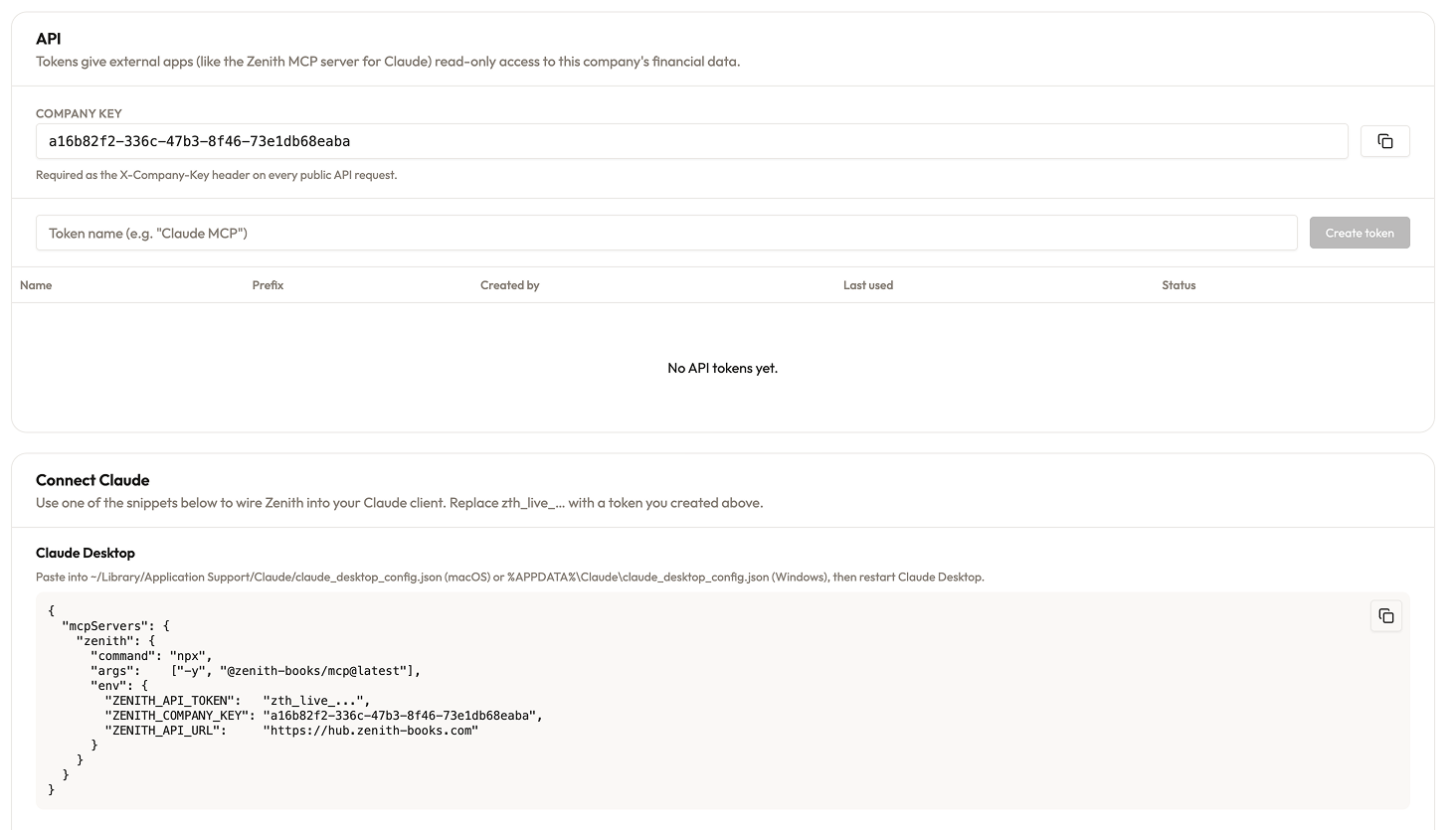
Send your data to the tools you already use.
- Sync with Google Sheets
- Access via API (clean JSON)
- MCP connector for Claude or Codex
Specifics
- BIC/SWIFT
- BELADEBEXXX
- Transaction history
- 360 days
Maximum number of days Zenith can access transactions from the moment of connection onward.
Please check if your account has necessary permissions to access the API. If guidance is needed - please contact your bank advisor
Supported account types
Berliner Sparkasse is a bank operating in Germany. With Zenith you connect your Berliner Sparkasse account over regulated open banking (PSD2) — read-only — and stream transactions to Google Sheets, your app, or Claude, reconciled in EUR.
From token to transactions in two calls.
A read-only REST API over plain HTTPS + JSON. Bank transactions, expenses, partners, bank accounts, balances and yearly report aggregates — predictable schema, cursor-friendly filters, and a machine-readable OpenAPI contract.
# Base URL
https://hub.zenith-books.com/api/public/v1

# 1. Who am I? (verifies your credentials)
curl https://hub.zenith-books.com/api/public/v1/me \
  -H "Authorization: Bearer zth_live_…" \
  -H "X-Company-Key: <company key>"

# 2. Last month's bank transactions
curl "https://hub.zenith-books.com/api/public/v1/transactions?date_from=2026-06-01&date_to=2026-06-30" \
  -H "Authorization: Bearer zth_live_…" \
  -H "X-Company-Key: <company key>"

# Also available: /expenses, /partners, /bank-accounts,
# /bank-accounts/{id}/balances, /reports/yearly-summary