
Bank of Ireland 365 Online
- 5 minutes setup. No complicated steps
- Multiple daily refreshes
- Developer friendly API docs
How to connect Bank of Ireland 365 Online
Connecting your Bank of Ireland 365 Online account to Zenith takes a few minutes, over a secure read-only connection.
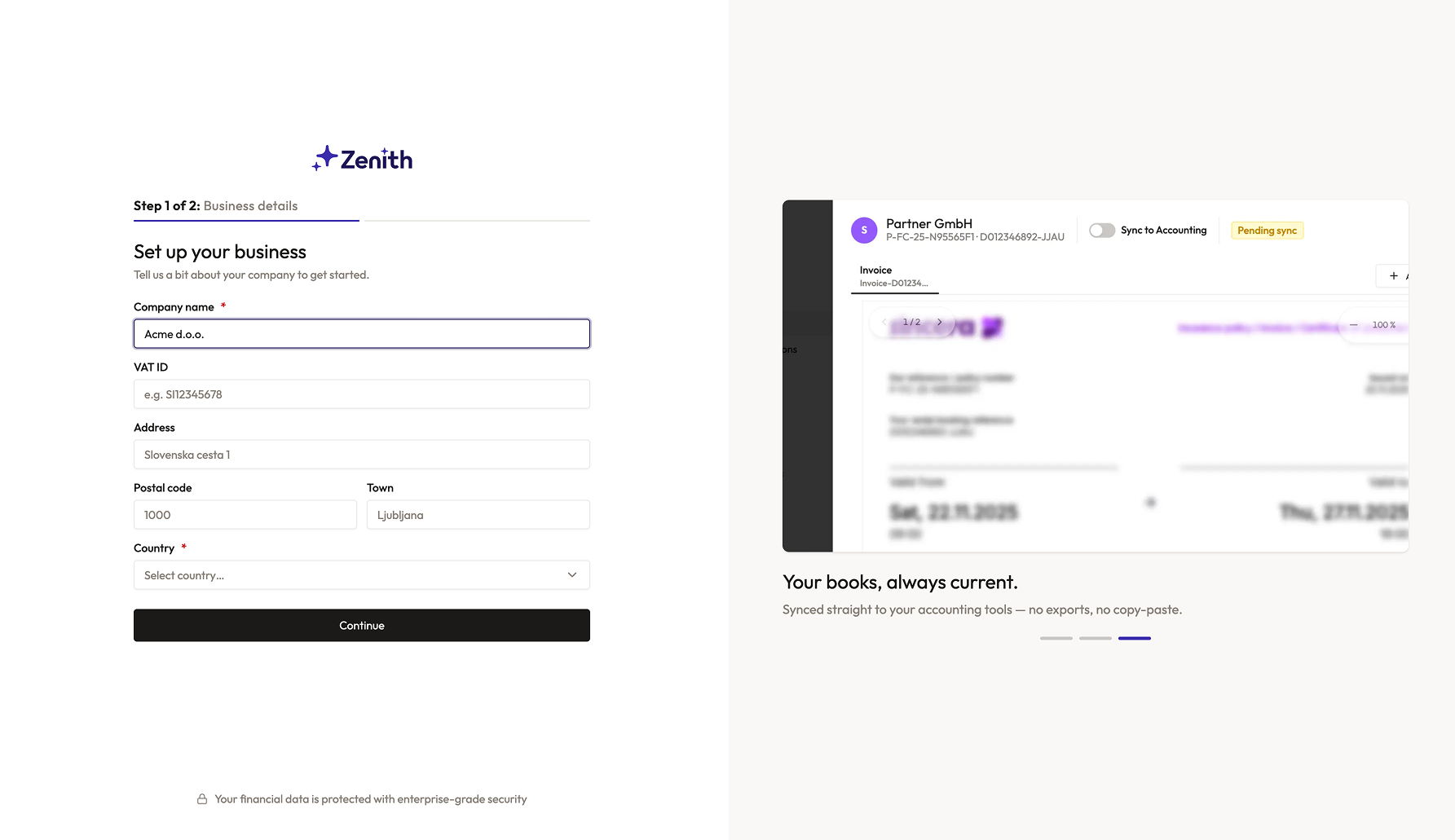
Create an account
Sign up for Zenith — it takes less than a minute.
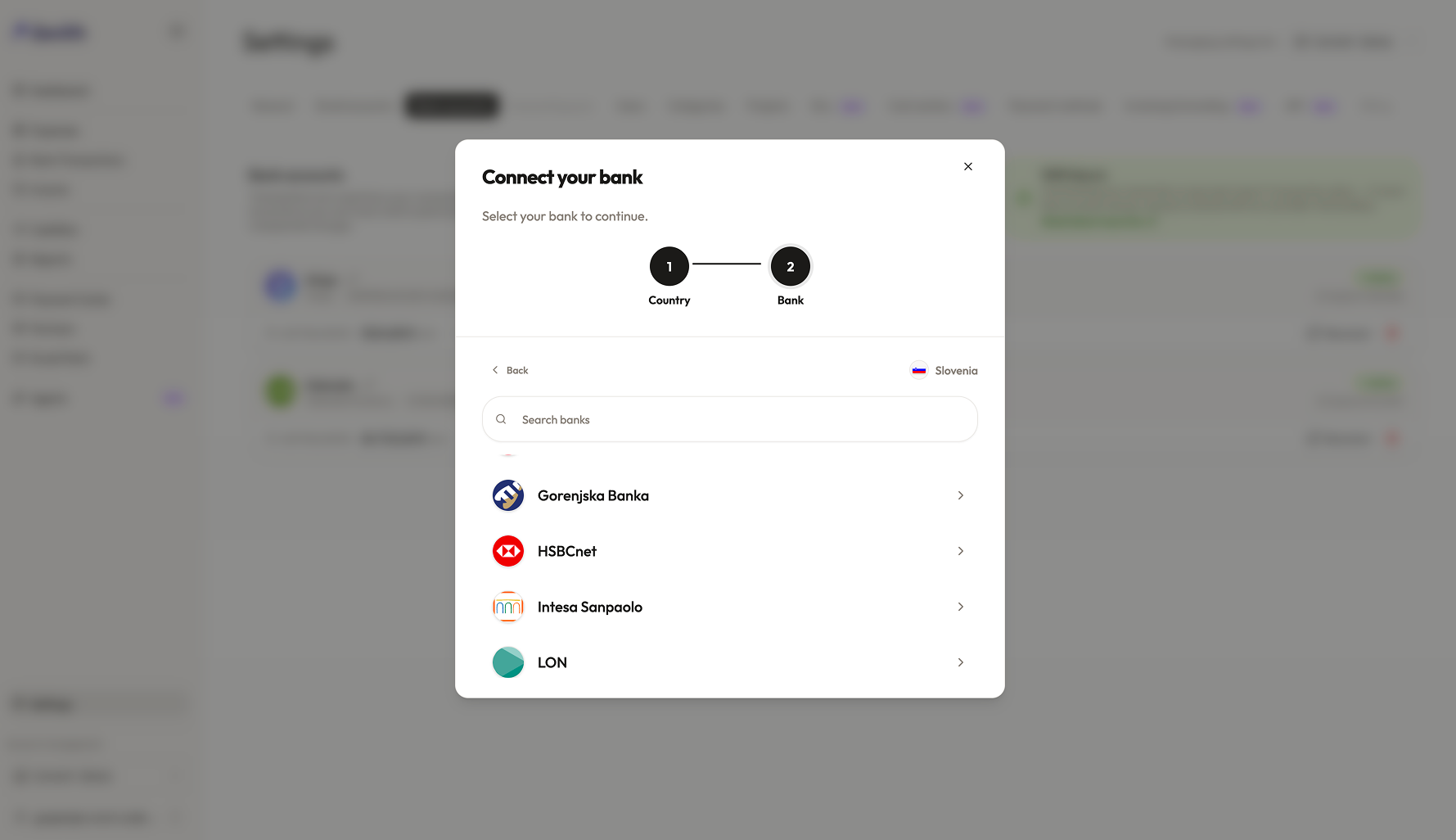
Find your bank
Choose your country, then Bank of Ireland 365 Online.
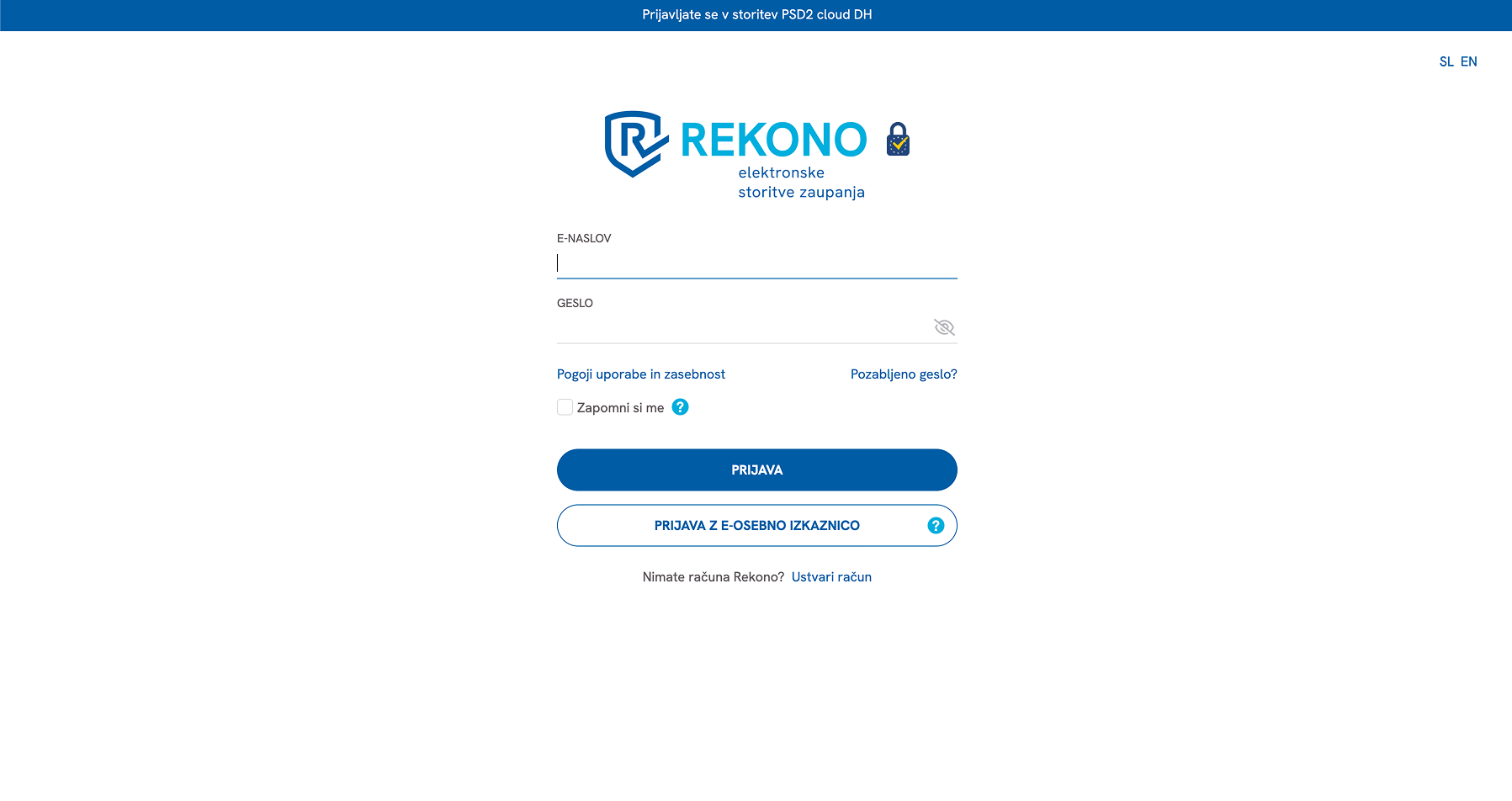
Connect your bank account
We send you to your bank's own login page, where you approve access.
- You log in with your online or mobile banking
- Follow the bank's prompts; access is read-only for transactions.
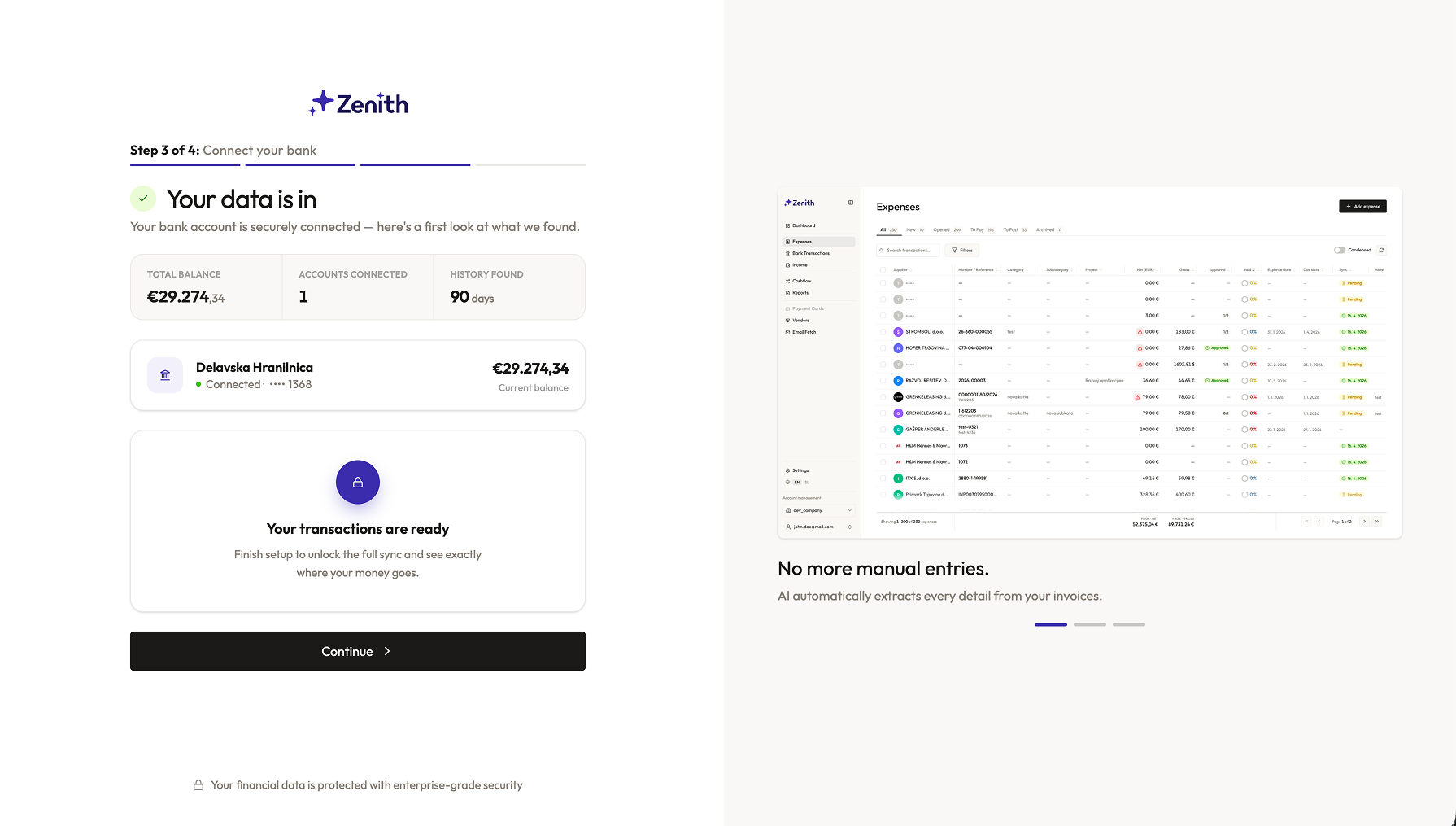
Back to Zenith
After login we bring you back automatically. Your balance shows as soon as the account is connected.
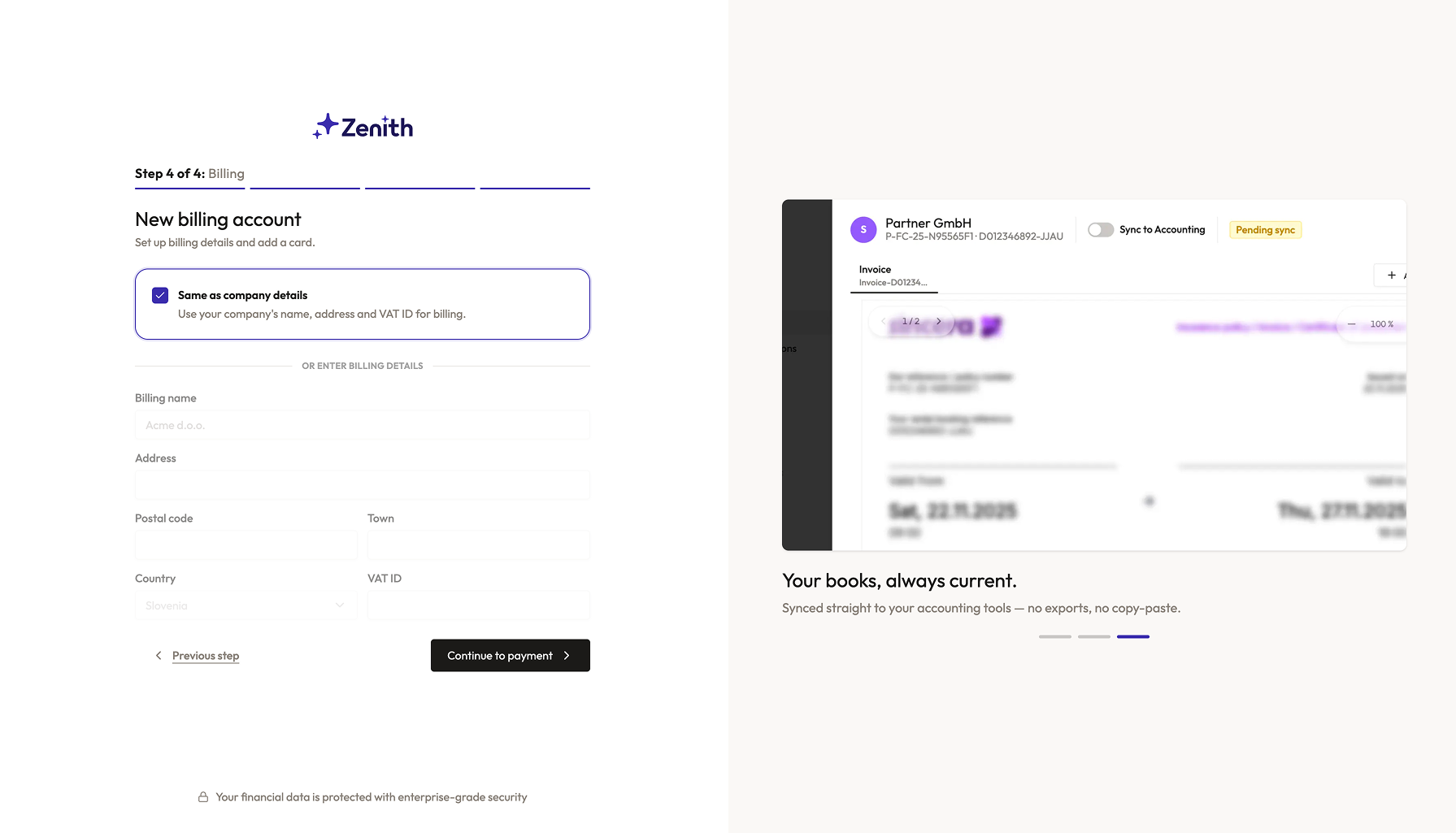
Set up payment
The connection costs just €5 per bank account per month.
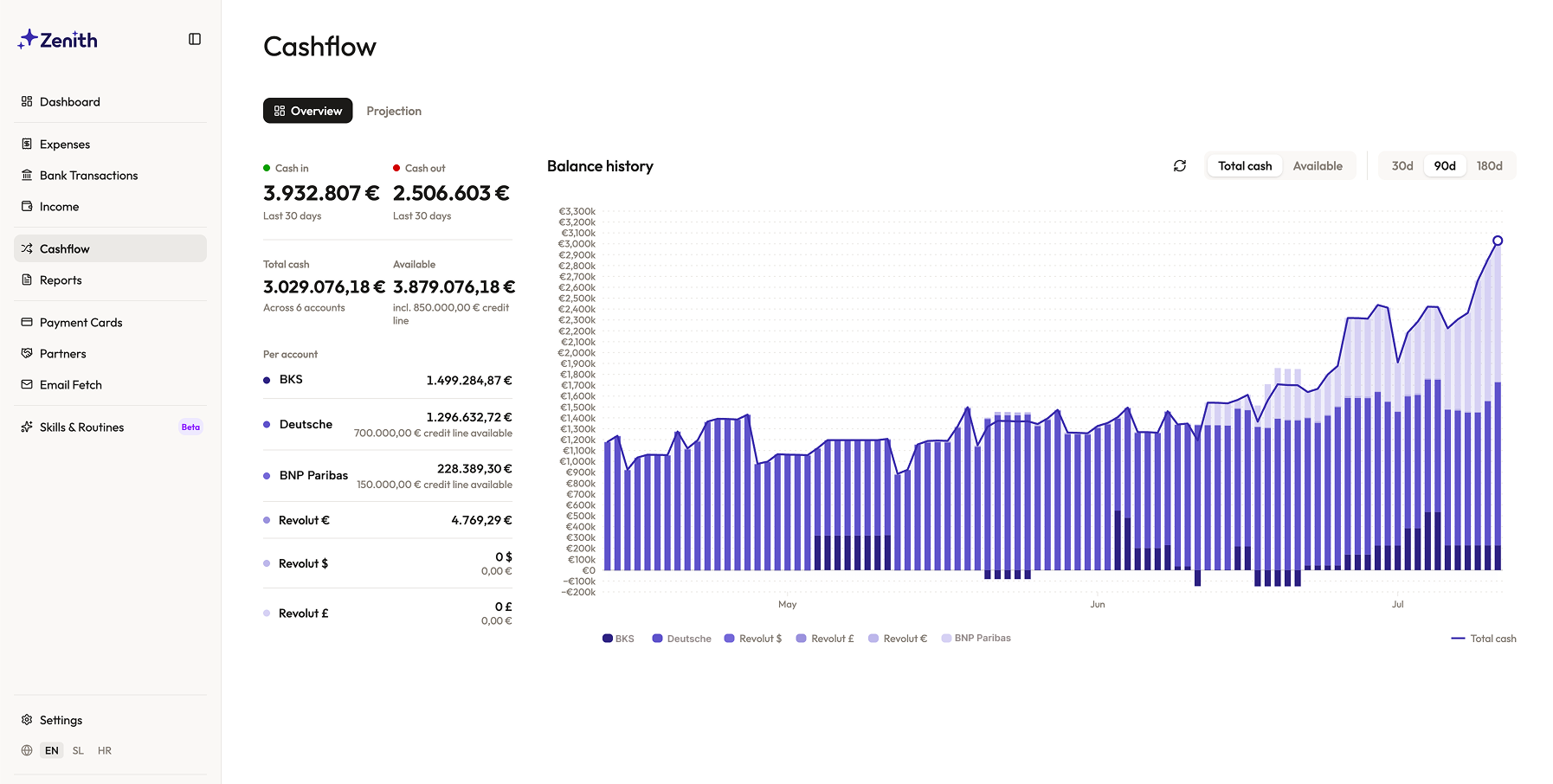
Transactions start arriving
Within minutes your first transactions appear in Zenith.
- We refresh the data several times a day
- Most banks allow up to four refreshes a day
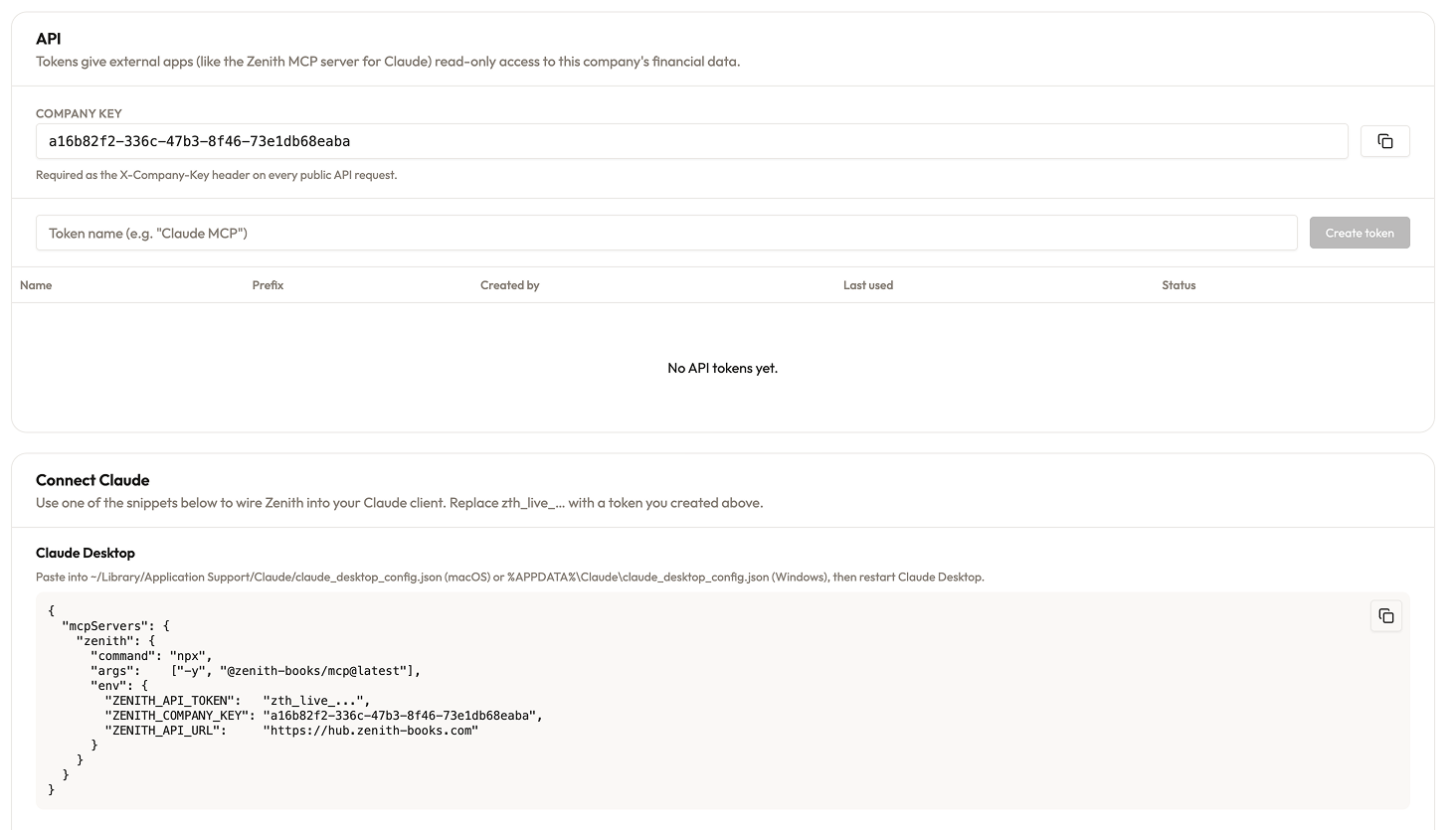
Choose where your data goes
Send your data to the tools you already use.
- Sync with Google Sheets
- Access via API (clean JSON)
- MCP connector for Claude or Codex
Specifics
- BIC/SWIFT
- BOFIGB2B
- Transaction history
- 365 days
Maximum number of days Zenith can access transactions from the moment of connection onward.
Supported account types
Bank of Ireland 365 Online is a bank operating in the UK. With Zenith you connect your Bank of Ireland 365 Online account over regulated open banking (PSD2) — read-only — and stream transactions to Google Sheets, your app, or Claude, reconciled in GBP.
From token to transactions in two calls.
A read-only REST API over plain HTTPS + JSON. Bank transactions, expenses, partners, bank accounts, balances and yearly report aggregates — predictable schema, cursor-friendly filters, and a machine-readable OpenAPI contract.
# Base URL
https://hub.zenith-books.com/api/public/v1

# 1. Who am I? (verifies your credentials)
curl https://hub.zenith-books.com/api/public/v1/me \
  -H "Authorization: Bearer zth_live_…" \
  -H "X-Company-Key: <company key>"

# 2. Last month's bank transactions
curl "https://hub.zenith-books.com/api/public/v1/transactions?date_from=2026-06-01&date_to=2026-06-30" \
  -H "Authorization: Bearer zth_live_…" \
  -H "X-Company-Key: <company key>"

# Also available: /expenses, /partners, /bank-accounts,
# /bank-accounts/{id}/balances, /reports/yearly-summary