

Table of Contents
- Why Small Companies Outgrow SAP Concur
- Quick Comparison: Top Concur Alternatives for Small Companies
- What to Look for in Small Business Expense Management Software
- The 9 Best Concur Alternatives for Small Companies
- Zenith: Best for European Bank Connectivity and Multi-Country Teams
- Brex: Best for Combining Corporate Cards with Expense Management
- Navan: Best for Teams That Book Travel and Track Expenses Together
- Ramp: Best for Automating Spend Controls and Approvals
- Expensify: Best for Simple, Fast Expense Reporting
- Zoho Expense: Best for Businesses Already Using Zoho
- Emburse: Best for Mid-Market Teams Scaling Up
- Rho: Best for Startups Needing Spend and Expense in One Place
- BILL Spend & Expense: Best for Small Teams Already Using BILL
- Expense Reporting Software for Small Businesses: What Actually Saves Time
- Expense Management Software Pricing: What Small Companies Should Expect
- Accounting Software with Expense Tracking: How Integrations Decide Your Choice
- How to Choose the Right Concur Alternative for Your Small Company
- Frequently Asked Questions
Last Updated: October 14, 2026
Why Small Companies Outgrow SAP Concur
SAP Concur was built for enterprises with dedicated travel managers, not for a ten-person team where the finance lead also runs payroll. A concur alternative for small companies usually wins on one simple measure: how much of the month-end admin it removes. (Source: the expense management software market has matured)
The pattern is familiar. A growing business signs up for an enterprise-grade tool because it looks comprehensive, then discovers the setup, approval chains and per-report costs are designed for a different scale of operation.
Three things push small companies to switch:
- Cost per report. Enterprise pricing models charge by report or by user, which punishes the very teams that submit most often.
- Setup overhead. Configuration that takes an enterprise weeks to roll out is a project nobody in a small finance function has time to run.
- Integration gaps. If the tool does not feed your accounting software or bank data cleanly, you are still retyping figures.
The good news is that the alternatives market has matured. Below, we compare options and explain which suits which kind of small company.
Quick Comparison: Top Concur Alternatives for Small Companies
The best Concur alternative for most small companies is one that connects directly to your bank accounts and accounting software, charges a predictable per-account or per-user rate, and does not require a consultant to configure.

Here is how some options stack up at a glance:
| Tool | Best For | Corporate Cards | Bank Feeds | Notes for Small Teams |
|---|---|---|---|---|
| Zenith | European bank connectivity | Yes | Yes, 2400+ banks | Per-account pricing, no minimum |
| Brex | Card plus expenses | Yes | Limited | Card-led model |
| Navan | Travel plus expenses | Yes | Limited | Strongest on travel booking |
| Ramp | Spend controls | Yes | Limited | US-centric spend management |
| Expensify | Simple reporting | No | Limited | Fast to set up |
| Zoho Expense | Zoho users | No | Limited | Bundles with Zoho suite |
| Emburse | Scaling mid-market | Yes | Limited | Broader enterprise features |
| Rho | Startups | Yes | Limited | Spend and expense combined |
What to Look for in Small Business Expense Management Software
Small business expense management software should do three jobs: capture receipts without manual entry, reconcile against real bank transactions, and export accountant-ready data into the tools you already use.
Everything else is a nice-to-have. A common mistake is choosing a tool because of its travel booking features when your team rarely travels, or because of corporate cards when your actual bottleneck is bank reconciliation.
Priority checklist for a small finance function:
- Bank connectivity across every country you operate in
- Automatic receipt capture and categorisation
- Direct export to your accounting software
The 9 Best Concur Alternatives for Small Companies
Each option below suits a different shape of business. We have ordered them by how well they fit a small, multi-entity European company that needs clean financial data rather than a large travel programme.
Zenith: Best for European Bank Connectivity and Multi-Country Teams
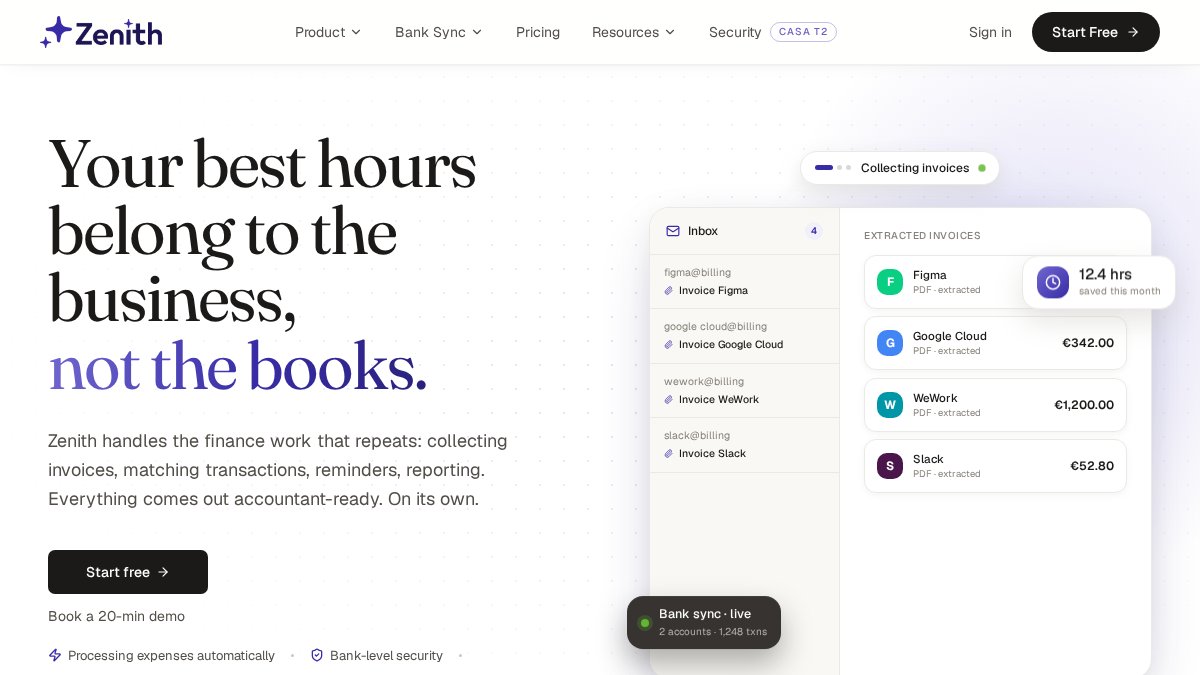
Zenith Bank Sync is an open banking API that connects 2400+ banks across 30 European countries to the tools you already work in. Connect a bank account once through your bank's own PSD2 consent flow, and Zenith keeps balances and transactions up to date in Google Sheets, a REST API, CSV, or an AI assistant via MCP.
For a small company running several entities across Europe, this is the piece most expense tools miss. Expense reporting software for small businesses is only as good as the bank data underneath it.
Pros:
- Covers the EU, UK and wider EEA in one connection
- No AISP licence or eIDAS certificates to obtain yourself
- Pricing at €5 per connected account per month, no platform fee or minimum volume
Cons:
- It is a bank data and finance automation layer, not a corporate card issuer
- Best value when you have multiple accounts to connect
Brex: Best for Combining Corporate Cards with Expense Management
Brex pairs corporate cards with expense management and travel tools. If your spending runs primarily through company cards and you want the card statement to double as your expense record, that combination is the point.
Where it falls short for a European small company is bank connectivity.
Pros: Cards and expenses in one system; travel tools included. Cons: Less suited to businesses whose spending is not card-centric.
Navan: Best for Teams That Book Travel and Track Expenses Together
Navan combines travel booking, expense management and corporate card controls. For a sales team that flies regularly, having the booking flow feed the expense record removes a whole category of admin.
The trade-off is focus. If your team travels twice a year, you are paying for capability you will not use, and the bank-side reconciliation still needs solving separately.
Pros: Travel and expenses genuinely unified; card controls included. Cons: Overkill for low-travel businesses.
Ramp: Best for Automating Spend Controls and Approvals
Ramp is a spend management platform built around cards, controls and approval automation. Its strength is policy enforcement: limits, approval rules and receipt matching happen automatically rather than through chasing.
Small European companies should check two things before committing: whether the card programme works for their entity structure, and how bank transactions outside the card flow into their accounts.
Pros: Strong automated controls; approval workflows. Cons: Card-centric; check European entity support carefully.
Expensify: Best for Simple, Fast Expense Reporting
Expensify focuses on simplicity and speed of expense tracking. For a small team that mostly needs receipts captured and reports submitted without training, it does the job with minimal setup.
What it does not do is give you a live view of your bank position. You still need a separate route for reconciliation.
Pros: Quick to adopt; straightforward interface. Cons: Limited bank connectivity; not a full finance stack.
Zoho Expense: Best for Businesses Already Using Zoho
If your CRM, invoicing and books already run on Zoho, adding Zoho Expense keeps everything in one ecosystem and one bill.
Outside the Zoho world, the appeal is weaker. The integration advantage disappears and you are comparing features on their own merits.
Pros: Tight fit with the Zoho suite; predictable bundling. Cons: Best value only if you are already a Zoho customer.
Emburse: Best for Mid-Market Teams Scaling Up
Emburse appears consistently in Concur alternative comparisons and suits businesses that have outgrown a simple tool but are not ready for enterprise deployment.
That configurability is also the catch. More settings means more setup, and a small finance function may find it is paying for flexibility it never uses.
Pros: Scales with headcount; broader feature set. Cons: More configuration than a very small team needs.
Rho: Best for Startups Needing Spend and Expense in One Place
Rho targets startups that want spending and expense management combined. It is built for the stage where a founder is still approving payments personally and wants one dashboard.
Startups operating across multiple European countries should confirm bank coverage before committing, since the value of a spend platform depends on the data flowing into it.
Pros: Startup-oriented; spend and expense combined. Cons: Verify multi-country bank coverage for your entities.
BILL Spend & Expense: Best for Small Teams Already Using BILL
Pros: Natural fit for existing BILL users; spend and expense together. Cons: Limited advantage outside the BILL ecosystem.
Expense Reporting Software for Small Businesses: What Actually Saves Time
The time savings in expense reporting come from three places, in this order of impact: eliminating manual data entry, removing the chase for missing receipts, and removing the re-keying of the same figures into accounting software.
Most small teams attack these in the wrong order.
A more effective sequence:
- Connect bank accounts so transactions arrive automatically.
- Capture receipts and match them to those transactions.
- Export categorised data straight into your accounting software.
According to guidance from the European Banking Authority on PSD2 account access, account information services let authorised providers read balances and transactions with the customer's consent, which is what makes step one possible without screen scraping.
Expense Management Software Pricing: What Small Companies Should Expect
Expense management software pricing generally follows one of three models: per user per month, per expense report submitted, or per connected bank account.
Per-report pricing punishes frequent submitters, which is usually exactly what a small company is.
Zenith's own pricing sits in the third category at €5 per connected account per month, with no platform fee, no minimum volume and no annual contract.
For any vendor, ask these four questions before signing:
- What is the pricing unit, and how does it change as we grow?
- Is there a minimum contract term or volume commitment?
- What happens to our data if we leave?
Accounting Software with Expense Tracking: How Integrations Decide Your Choice
Accounting software with expense tracking built in rarely covers everything, so the integration between your expense tool and your books is the deciding factor. A tool that exports clean, categorised, accountant-ready data beats a more feature-rich tool that exports a mess.
The practical test is simple. Take one month of real transactions and run them through the full path: bank to expense tool to accounting software.
For teams running several entities, check that the integration handles multiple companies and currencies, not just a single ledger. This is where many otherwise good tools quietly fall over.
How to Choose the Right Concur Alternative for Your Small Company
Choose based on where your admin time actually goes, not on the longest feature list. If reconciliation is your bottleneck, prioritise bank connectivity. If travel is your bottleneck, prioritise booking integration.
A decision framework that works for most small companies:
- Multi-country bank accounts and no card programme: choose a bank connectivity layer first, then add expense capture on top.
- Card-heavy spending, single country: a card-led spend platform will cover most of your needs.
- Frequent travel: a combined travel and expense tool pays for itself.
The UK Financial Conduct Authority's information on open banking sets out how authorised providers access account data with consent, which is worth understanding before you hand any vendor access to your accounts.
One last check before you commit: confirm the vendor's data access is read-only where you want it to be, and that consent can be revoked.
Frequently Asked Questions
What is the best Concur alternative for a small business?
The best fit depends on your setup. If you run multiple European bank accounts and need live transactions in your accounting tools, Zenith is worth a look. For corporate cards paired with expense tracking, Brex and Ramp are strong options. For simplicity, Expensify and Zoho Expense keep things straightforward. Small companies should prioritise tools with clear pricing, low setup effort and direct integrations with their existing accounting software.
Is SAP Concur suitable for small companies?
SAP Concur is built for larger organisations with complex travel and expense workflows. Small companies often find it heavier than they need: longer implementation, more configuration and pricing that assumes higher volumes. If your team is under 50 people and you mainly need receipt capture, approvals and accounting sync, a lighter tool usually gets you running faster and costs less to maintain.
Which expense management software is easiest for a small team to use?
Expensify and Zoho Expense are often cited for straightforward interfaces, and Zenith keeps things simple by syncing bank data directly into Google Sheets or your accounting software. The easiest tool for your team is the one that matches how you already work: if your bookkeeper lives in Xero or QuickBooks, pick a tool that feeds those systems automatically rather than adding another portal to check.
What should a small company look for in a Concur alternative?
Focus on four things: pricing that scales per user or per account without a platform fee, direct integrations with your accounting software, automatic receipt capture (OCR) so nobody retypes invoices, and bank connectivity if you operate across multiple countries. Also check whether the tool supports the banks you actually use, and whether it offers a free plan or trial so you can test it before committing.
Can small businesses automate expense reporting without SAP Concur?
Yes. Modern alternatives automate receipt capture, categorisation and approval routing, then push data into your accounting software. For example, Zenith connects to 2400+ banks across 30 European countries and pulls balances and transactions into Google Sheets, a REST API or an AI assistant via MCP. That means fewer CSV downloads and less manual entry, even for teams without a dedicated finance department.
Switching expense tools is only half the job if your bank data still arrives as downloaded statements. Zenith connects 2400+ banks across 30 European countries, pulls balances and transactions into Google Sheets, a REST API or an AI assistant via MCP, and adds invoice OCR and accounts payable automation on top. Pricing is €5 per connected account per month with no platform fee and no minimum contract. Start free with Zenith and get accountant-ready financial data flowing from day one.